
Real-estate listing presentation
Listing pitch for sellers: comps, pricing strategy and a net-proceeds calculator.
A product pitch that closes on numbers: after the problem, the solution and the product, the prospect picks a plan, sets their seat count and billing — and the price is right there, saved for your follow-up.
For SaaS & tech · Sales

Clay 3D — matte pastel clay objects, off-white paper, one coral accent.
Filled in seconds — by form, from a call transcript, through the API or by one sentence to your agent. Filling fields uses no AI credits.
Live elements, saved answers and view tracking belong to the web link; the PDF and PowerPoint exports carry the content.
Always included: open and view-time tracking per link, instant notifications, client memory, editing after sending — and PDF or editable PowerPoint export when a file is required.
Open it in Naimi Studio and tell the AI what to change — your company, your services, your prices — or clone the free kit and hand the folder to Claude Code, Cursor or Codex.
Fill the fields for a real client the way the example was filled for Summit Gear Co: a short form in the app, a call transcript for your agent, or one API call. No AI credits for this step.
The client opens it without a login. You see the open, the time spent and every choice they made — or export a PDF or an editable PowerPoint when a file is required.
Yes — set the plan and seats together with the prospect on the call; the values stay saved on their presentation afterwards.
The pitch copy and the pricing table are template content; give Studio or your agent your plans and screenshots and it rebuilds the product and pricing slides.
No. Each company receives its own link with its own name and numbers; you see per-link opens and view time.
Listing pitch for sellers: comps, pricing strategy and a net-proceeds calculator.

Consulting presentation in a premium theme: practices, priorities and a roadmap.
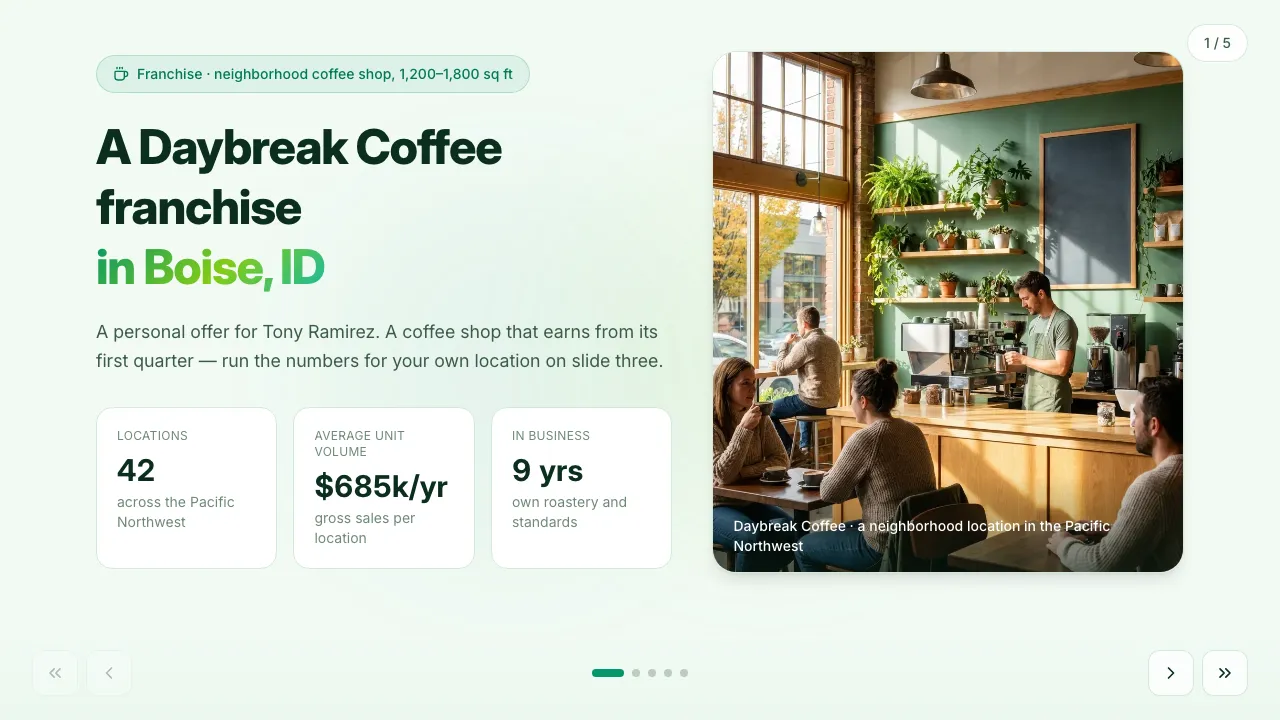
Franchise pitch with unit economics and an interactive payback calculator.
Change anything in Naimi Studio or with your own agent, then fill the client’s fields. Free plan, no credit card.
4.7/5 · 500+ customers free plan · no credit card · cancel anytime