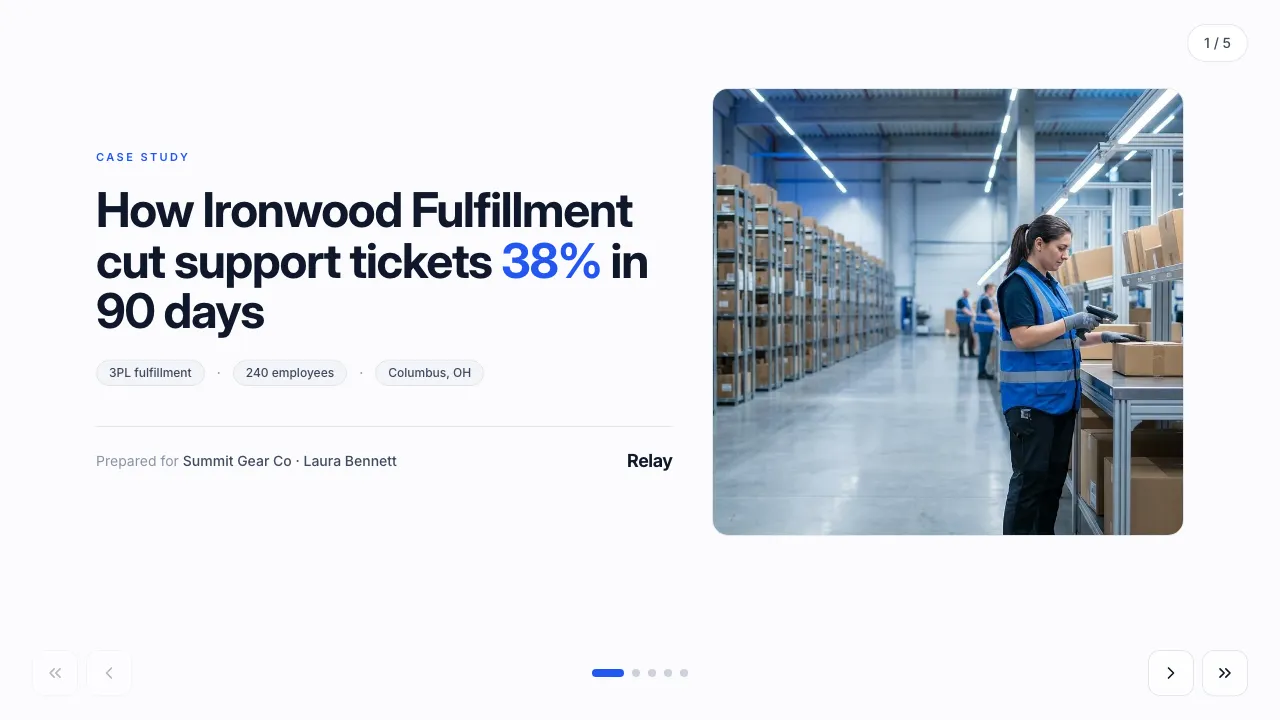
Case study — customer story
A customer-success story with a personalized projection of the client’s own numbers.
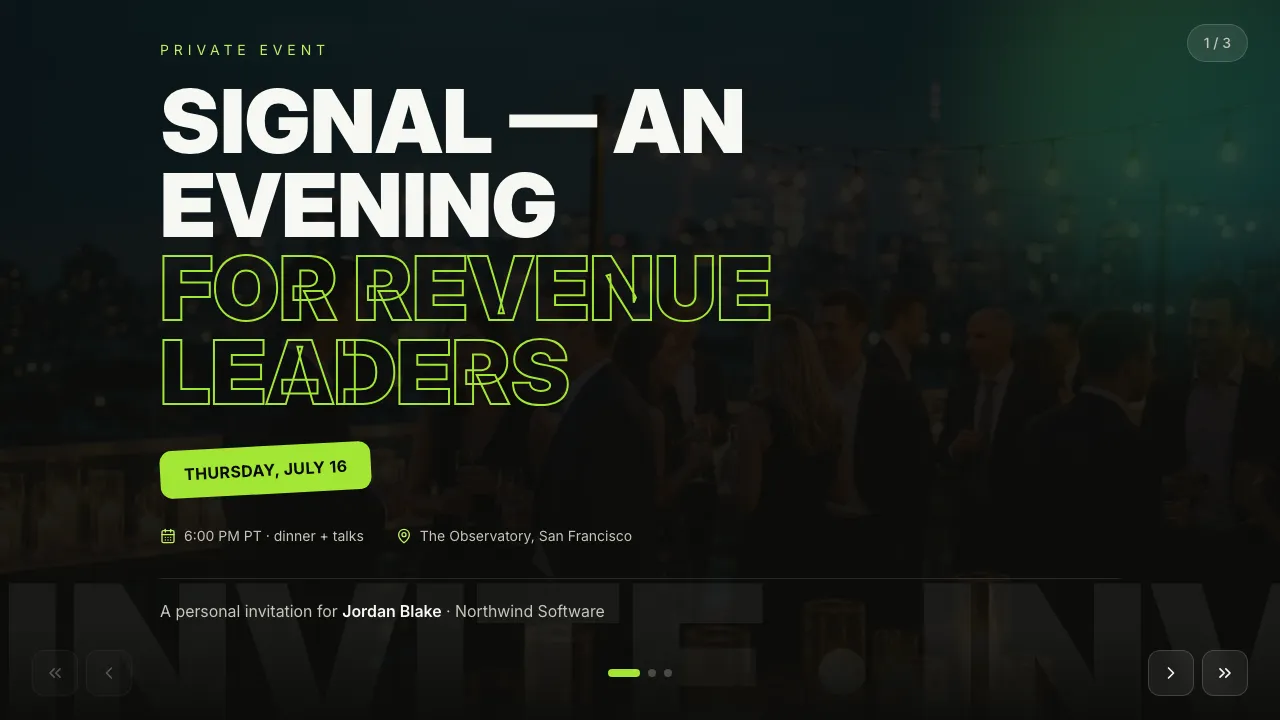
A personal invitation to a private event: poster cover, the program, and an RSVP that lands on the guest’s card — no reply emails, no spreadsheet.
For Events · SaaS & tech · Marketing · Sales
Poster Swiss — white paper, one electric blue, condensed display type, a black-and-white plate and brush marks.
Filled in seconds — by form, from a call transcript, through the API or by one sentence to your agent. Filling fields uses no AI credits.
Live elements, saved answers and view tracking belong to the web link; the PDF and PowerPoint exports carry the content.
Always included: open and view-time tracking per link, instant notifications, client memory, editing after sending — and PDF or editable PowerPoint export when a file is required.
Open it in Naimi Studio and tell the AI what to change — your company, your services, your prices — or clone the free kit and hand the folder to Claude Code, Cursor or Codex.
Fill the fields for a real client the way the example was filled for Northwind Software: a short form in the app, a call transcript for your agent, or one API call. No AI credits for this step.
The client opens it without a login. You see the open, the time spent and every choice they made — or export a PDF or an editable PowerPoint when a file is required.
On each guest’s card and in your presentations list: who confirmed, who declined, who opened and went quiet. Notifications arrive as they happen; the data is also available through the API.
Yes — personalization is a form or an API call per guest, and a change of venue or time is one edit to the template that every sent link picks up immediately.
Yes. Edit the template or a single presentation; the guest’s link always shows the current version.
A customer-success story with a personalized projection of the client’s own numbers.
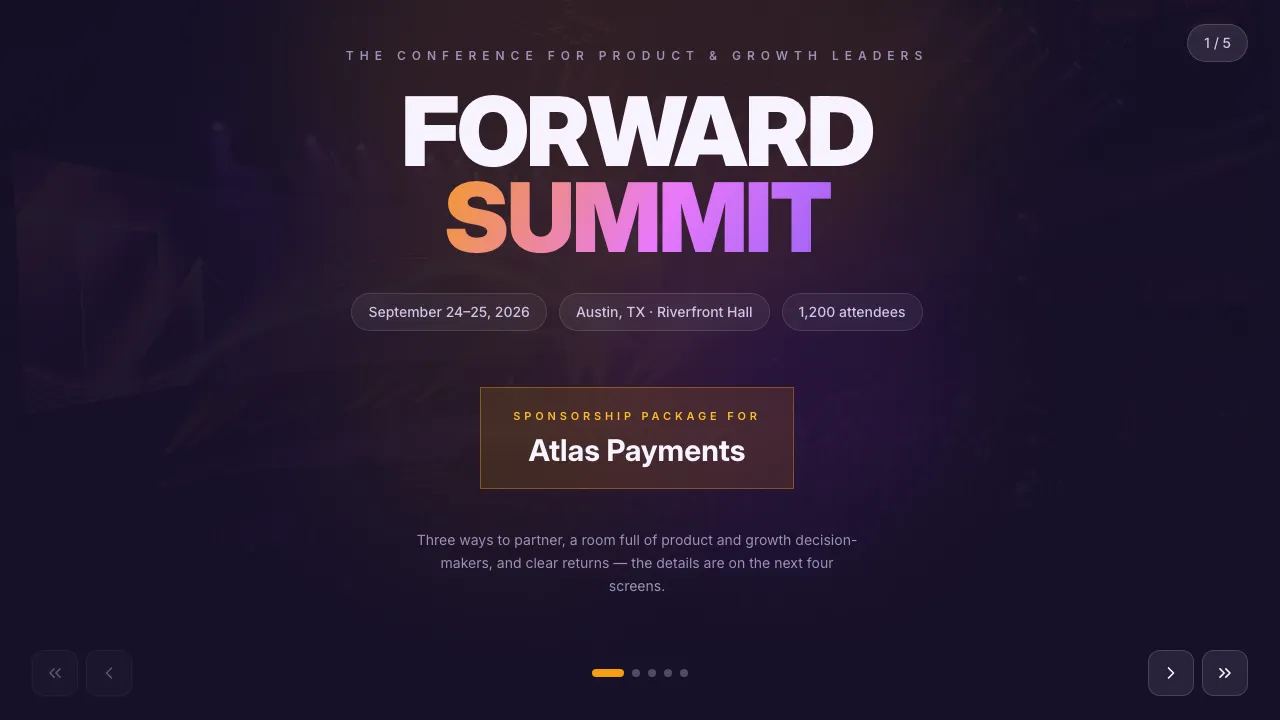
Sponsorship sales deck: the audience, selectable tiers and a benefits matrix.
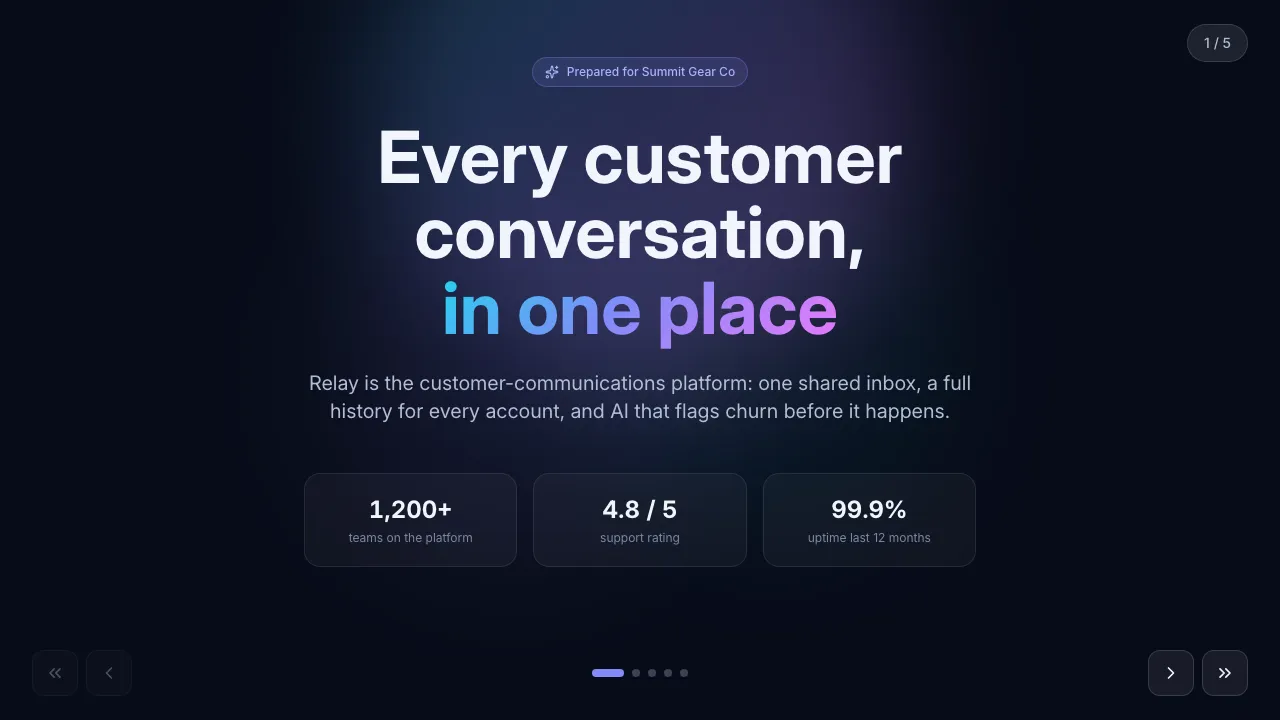
Product pitch with an interactive plan and seat-count pricing calculator.
Change anything in Naimi Studio or with your own agent, then fill the client’s fields. Free plan, no credit card.
4.7/5 · 500+ customers free plan · no credit card · cancel anytime