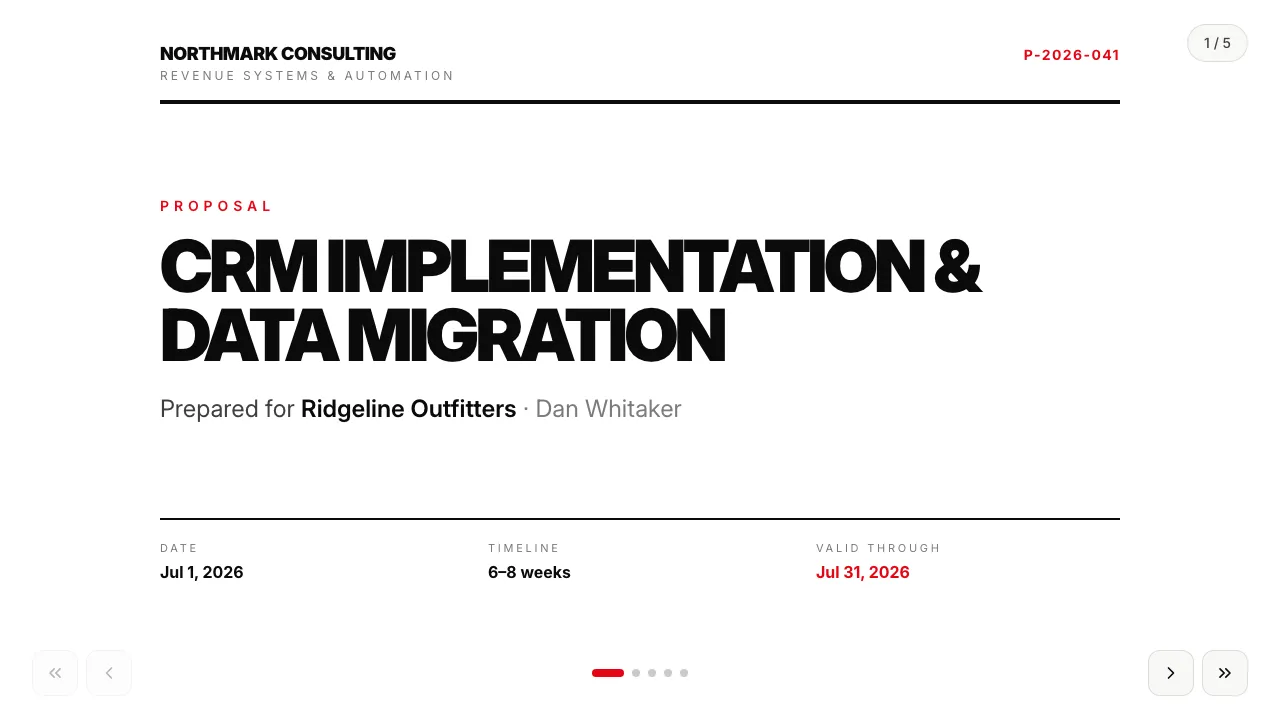
Service proposal — Swiss mono
Universal service proposal in a Swiss typographic style: staged pricing and terms.
A consultancy’s services deck that opens with the client, not the vendor: their pains become a numbered “what we heard” list, they mark the practice that matters most, and the engagement model closes with a price.
For Consulting · IT services · Sales
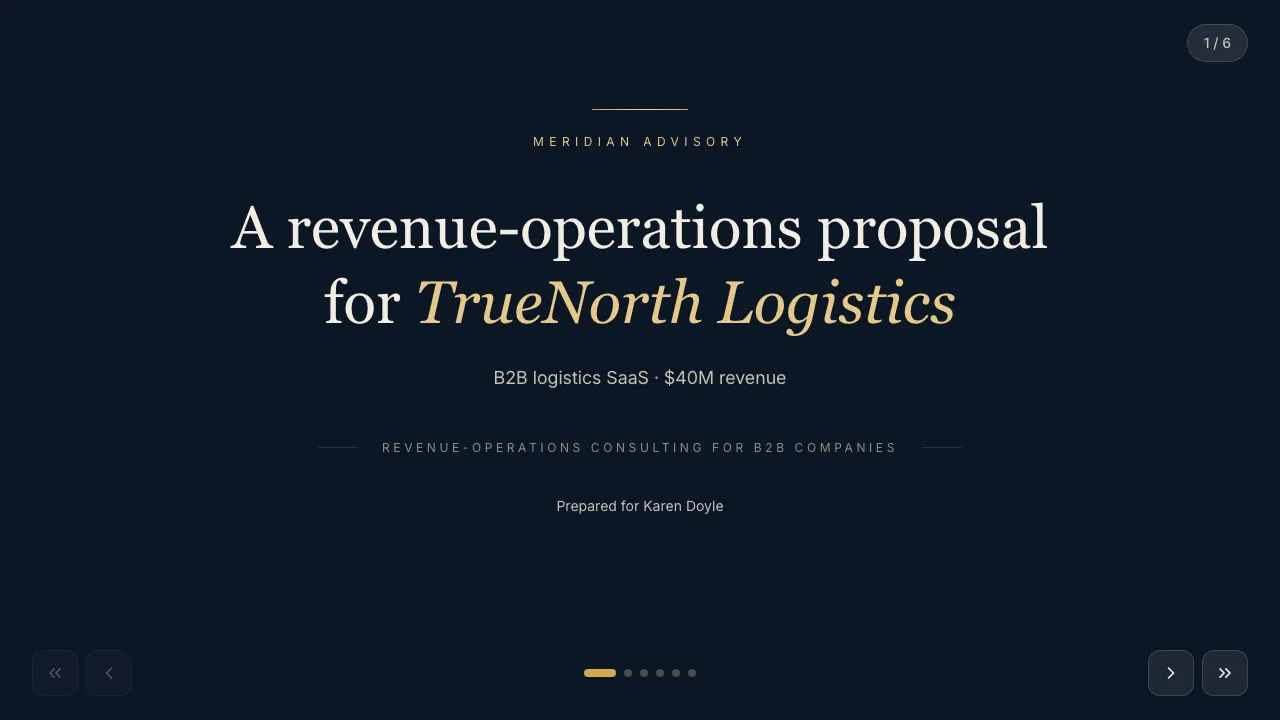
Navy & gold — deep navy surface, ivory serif display type, gold hairlines.
Filled in seconds — by form, from a call transcript, through the API or by one sentence to your agent. Filling fields uses no AI credits.
Live elements, saved answers and view tracking belong to the web link; the PDF and PowerPoint exports carry the content.
Always included: open and view-time tracking per link, instant notifications, client memory, editing after sending — and PDF or editable PowerPoint export when a file is required.
Open it in Naimi Studio and tell the AI what to change — your company, your services, your prices — or clone the free kit and hand the folder to Claude Code, Cursor or Codex.
Fill the fields for a real client the way the example was filled for TrueNorth Logistics: a short form in the app, a call transcript for your agent, or one API call. No AI credits for this step.
The client opens it without a login. You see the open, the time spent and every choice they made — or export a PDF or an editable PowerPoint when a file is required.
Fill in the industry and their pain points, one per line — the second slide turns them into a numbered list under “what we heard”. The rest of the deck is your fixed practice portfolio and cases.
When the client marks a practice, the choice is saved and shows on their card, so the follow-up call starts on the topic they chose.
Yes — it is a web page that fullscreens like a deck. Choices made during the call are saved too. PDF and editable PowerPoint export are available.
Universal service proposal in a Swiss typographic style: staged pricing and terms.
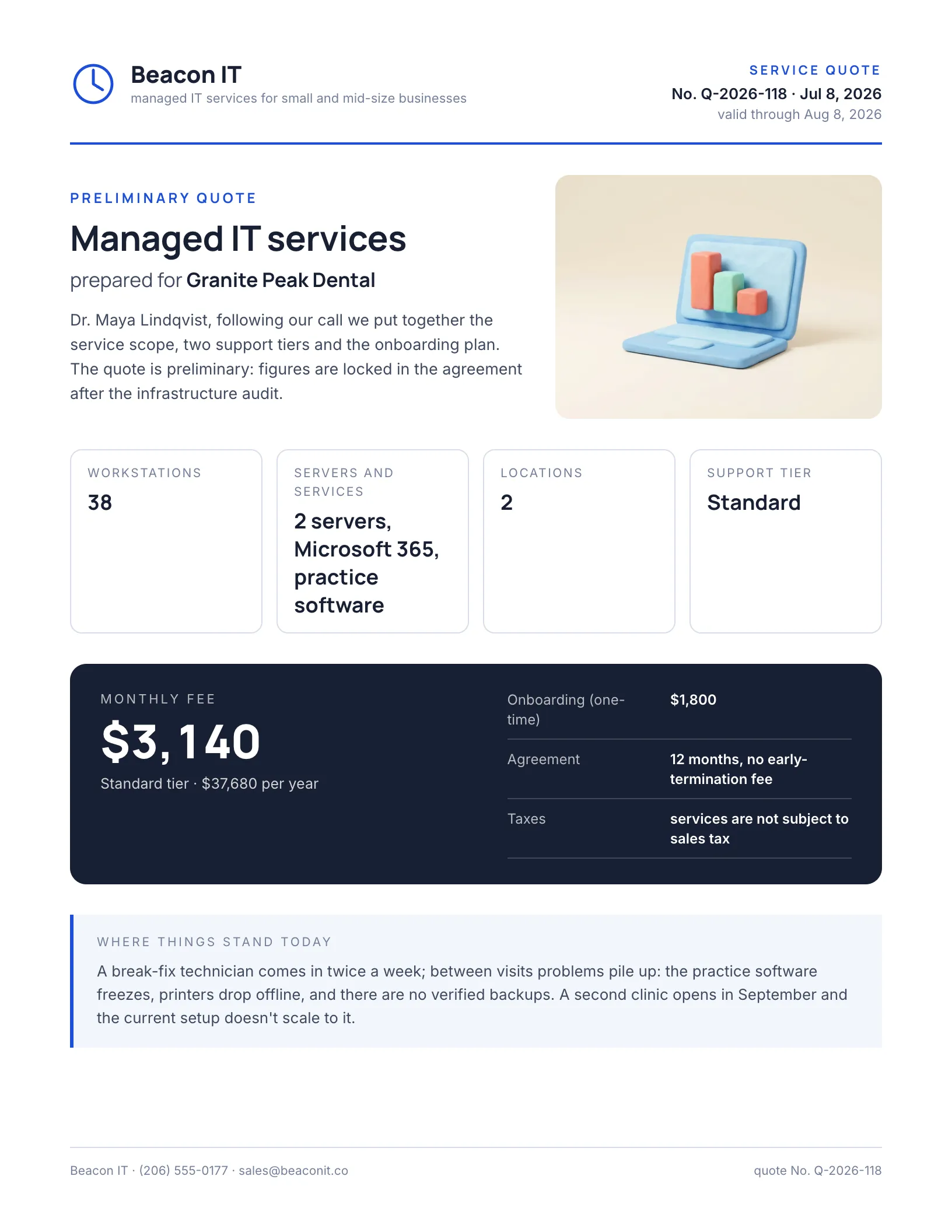
A monthly services quote: service blocks with prices, two SLA tiers the client picks in the document.
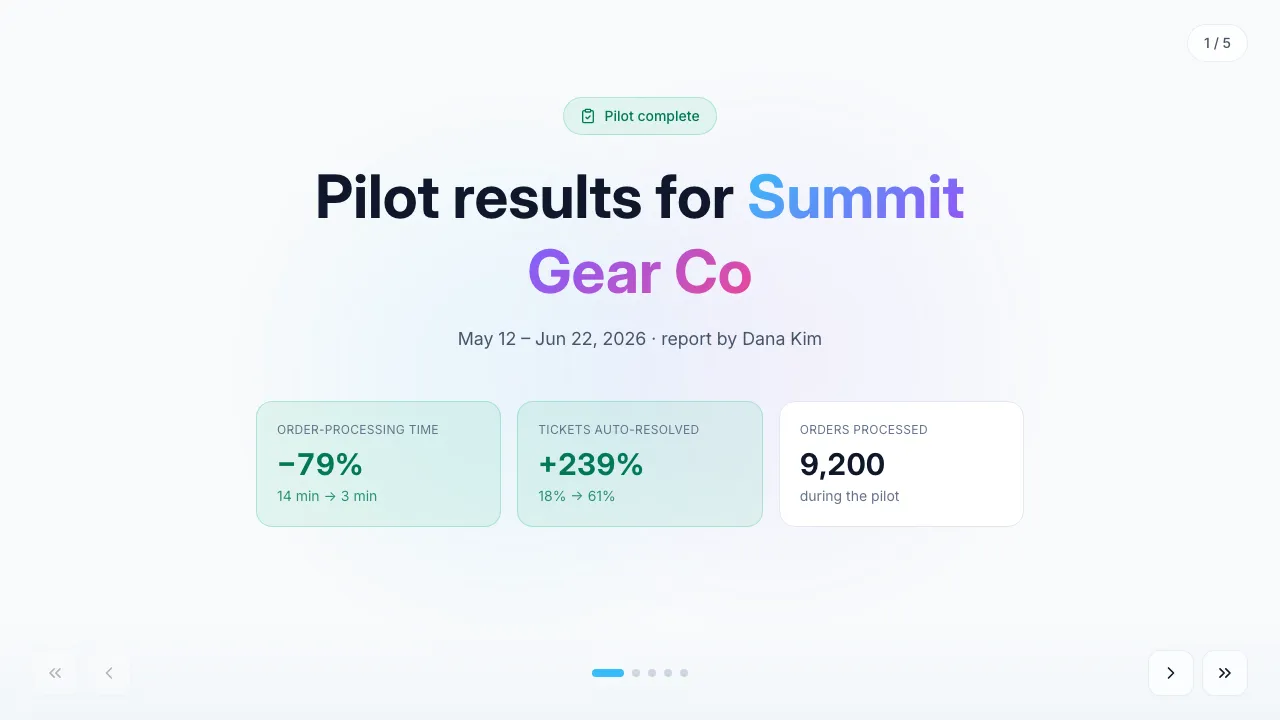
Pilot outcomes: before/after metrics, weekly trend, dollar impact and next steps.
Change anything in Naimi Studio or with your own agent, then fill the client’s fields. Free plan, no credit card.
4.7/5 · 500+ customers free plan · no credit card · cancel anytime