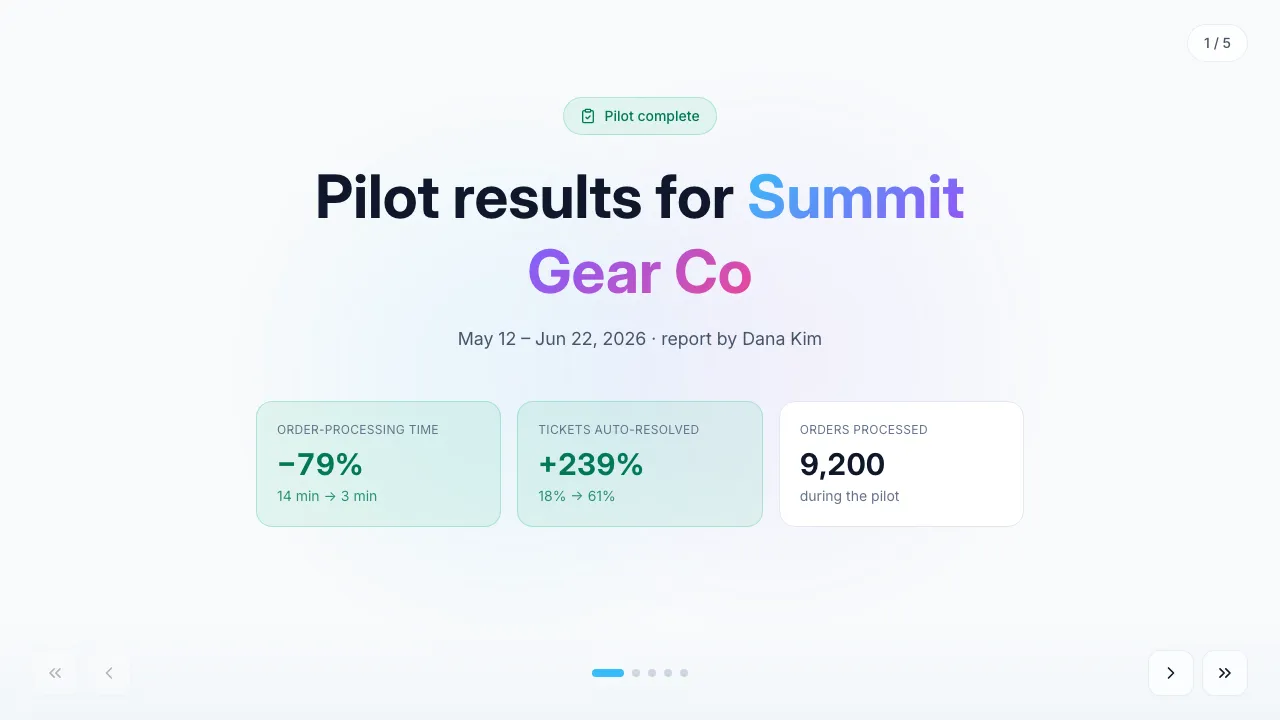
Pilot results report
Pilot outcomes: before/after metrics, weekly trend, dollar impact and next steps.
Walk an existing client through the quarter: KPI grid, trend, wins, risks, what shipped and what is next — then let them rate the quarter and leave feedback on the same page.
For Agencies · SaaS & tech · Consulting · Customer success
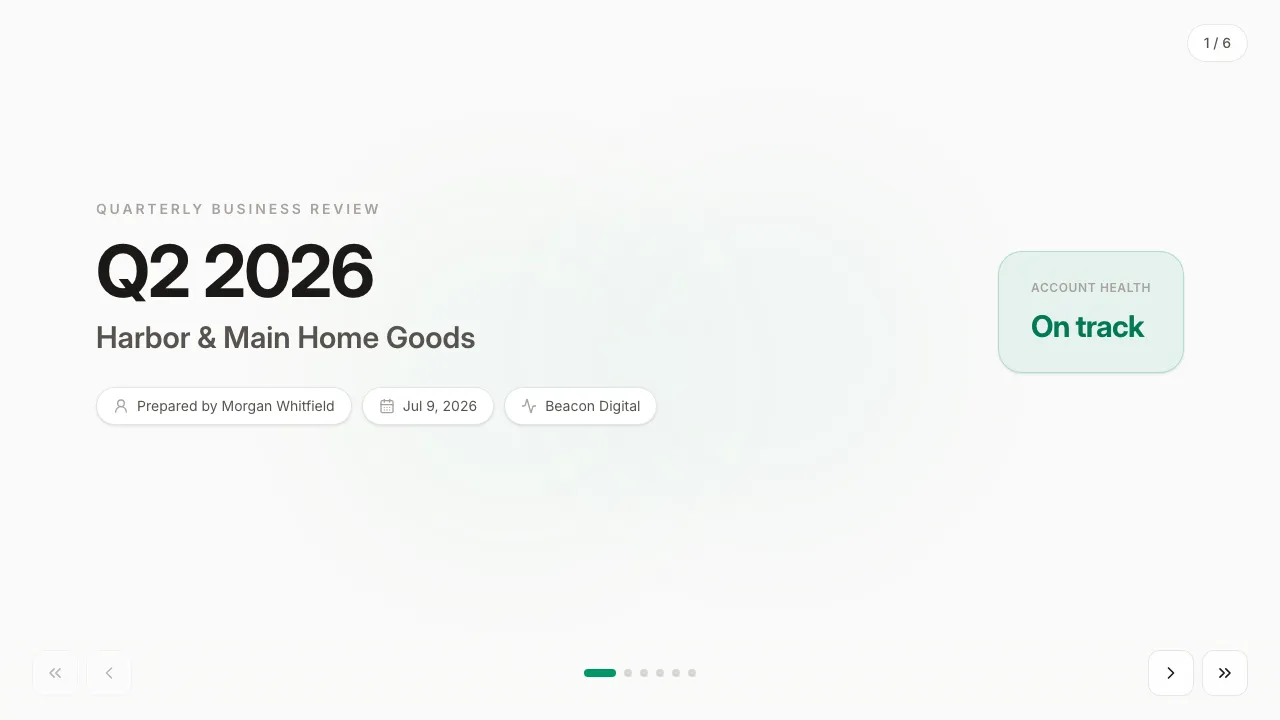
Graphite & emerald — warm-gray surface, white cards, emerald for good deltas, amber for attention.
Filled in seconds — by form, from a call transcript, through the API or by one sentence to your agent. Filling fields uses no AI credits.
Live elements, saved answers and view tracking belong to the web link; the PDF and PowerPoint exports carry the content.
Always included: open and view-time tracking per link, instant notifications, client memory, editing after sending — and PDF or editable PowerPoint export when a file is required.
Open it in Naimi Studio and tell the AI what to change — your company, your services, your prices — or clone the free kit and hand the folder to Claude Code, Cursor or Codex.
Fill the fields for a real client the way the example was filled for Harbor & Main Home Goods: a short form in the app, a call transcript for your agent, or one API call. No AI credits for this step.
The client opens it without a login. You see the open, the time spent and every choice they made — or export a PDF or an editable PowerPoint when a file is required.
Refill the fields: KPI lines, the number series, and one-item-per-line lists. The layout, the chart and the colors take care of themselves — or let your agent pull the numbers from your notes.
Yes — a link per person shows you who on the client side engaged, which matters when the champion says the boss has seen it.
The score and the comment are saved to the client’s card and you are notified, so the renewal conversation starts from their own words.
Pilot outcomes: before/after metrics, weekly trend, dollar impact and next steps.
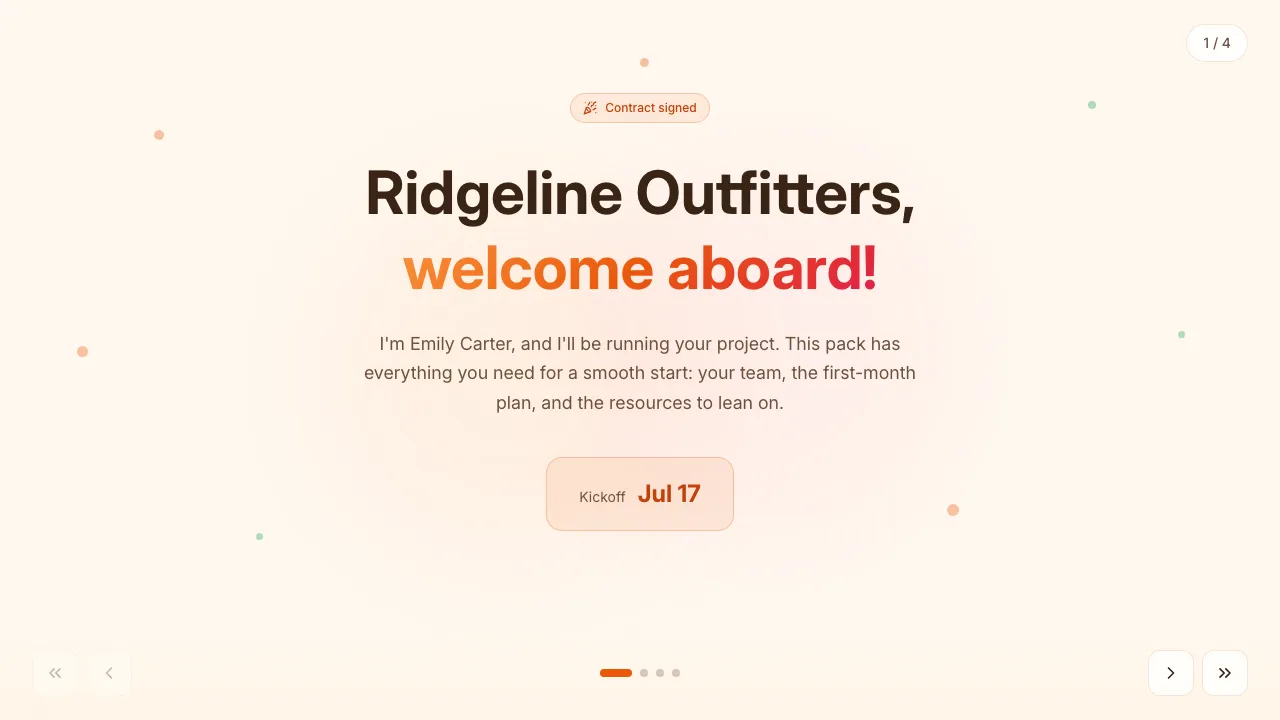
Post-signature onboarding: the team, a first-30-days plan, materials and contacts.
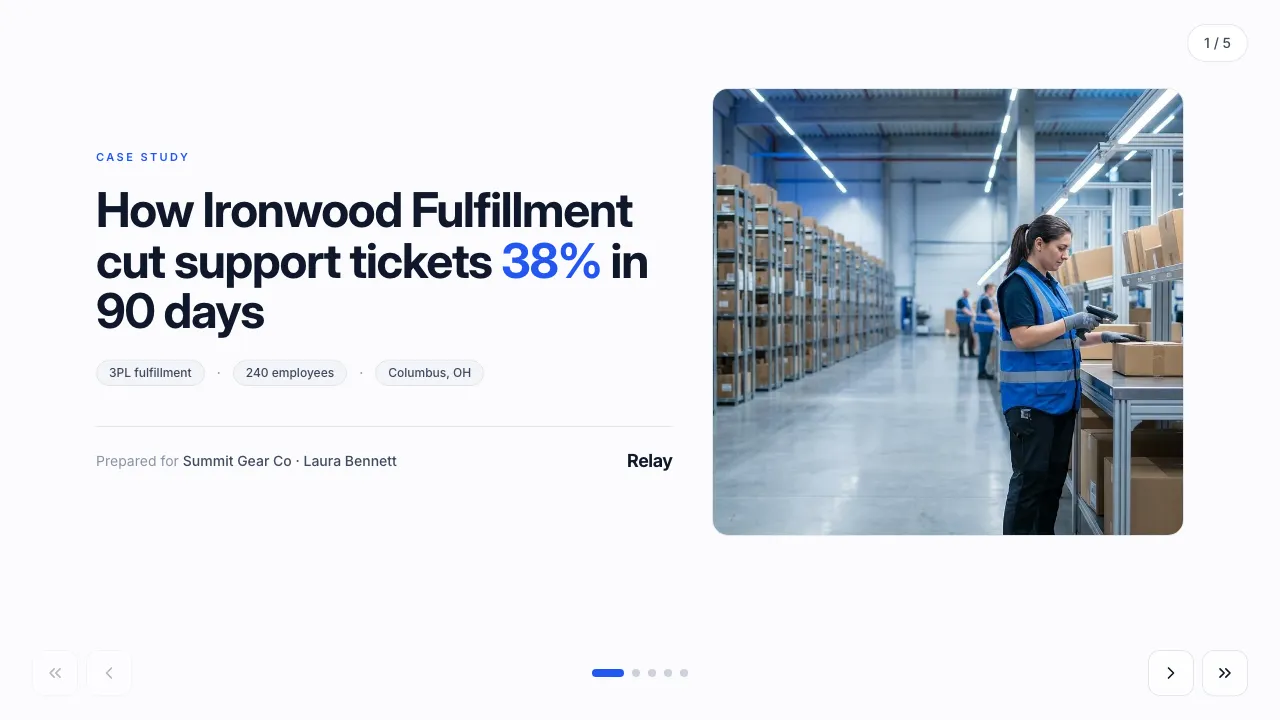
A customer-success story with a personalized projection of the client’s own numbers.
Change anything in Naimi Studio or with your own agent, then fill the client’s fields. Free plan, no credit card.
4.7/5 · 500+ customers free plan · no credit card · cancel anytime