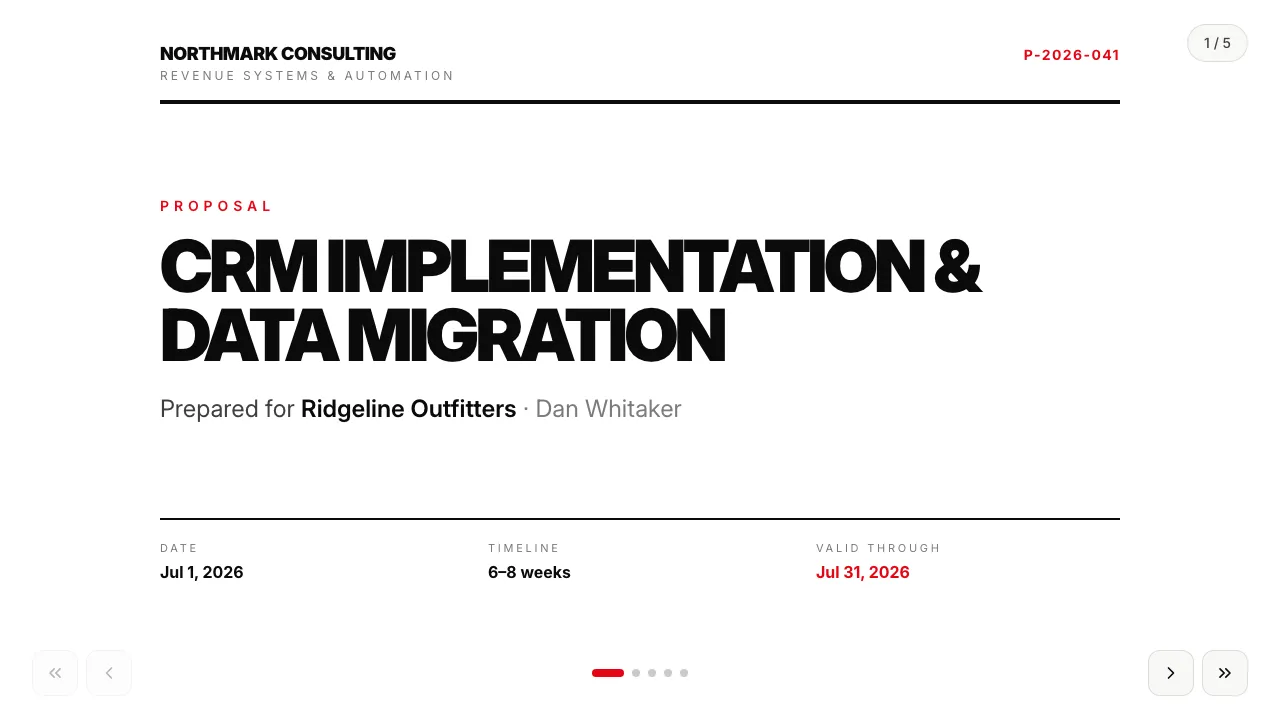
Service proposal — Swiss mono
Universal service proposal in a Swiss typographic style: staged pricing and terms.
A price list the client plays with: service cards to switch on, a discount that grows as they add more, and an itemized first-month estimate that recalculates live — saved for you to see.
For Agencies · Consulting · Sales · Marketing
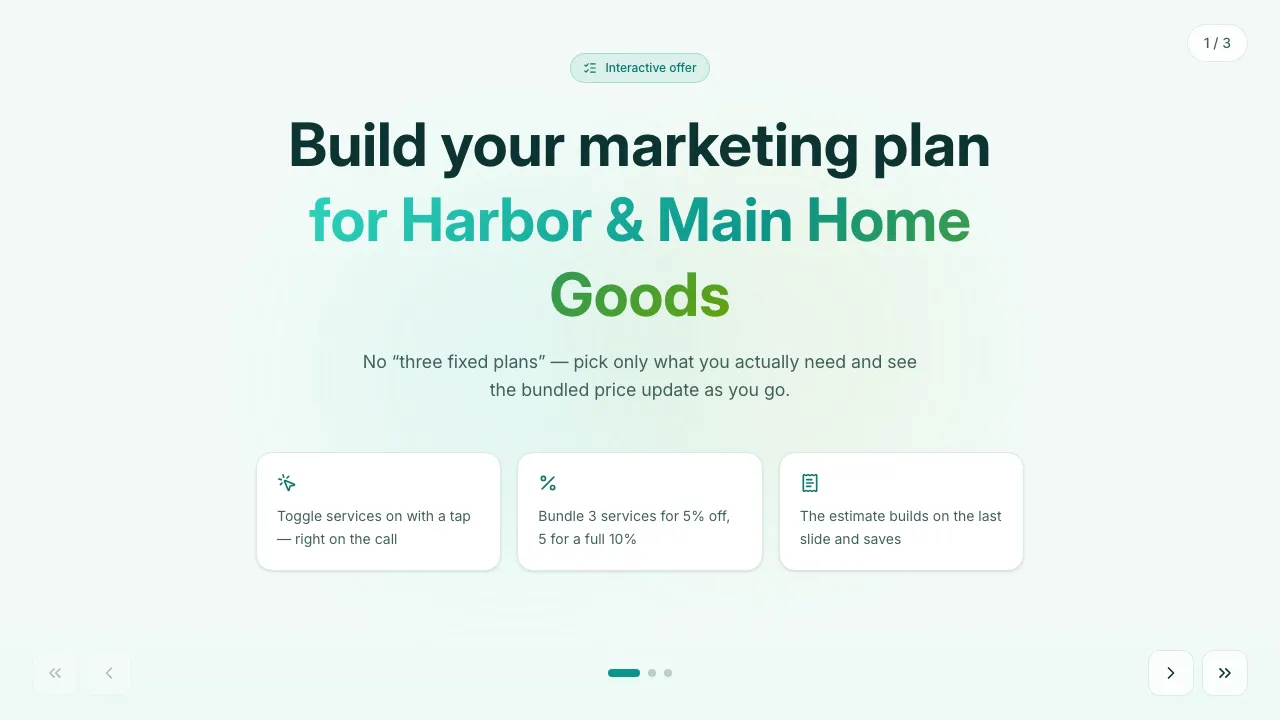
Clay 3D — matte pastel clay objects, off-white paper, one coral accent for the price.
Filled in seconds — by form, from a call transcript, through the API or by one sentence to your agent. Filling fields uses no AI credits.
Live elements, saved answers and view tracking belong to the web link; the PDF and PowerPoint exports carry the content.
Always included: open and view-time tracking per link, instant notifications, client memory, editing after sending — and PDF or editable PowerPoint export when a file is required.
Open it in Naimi Studio and tell the AI what to change — your company, your services, your prices — or clone the free kit and hand the folder to Claude Code, Cursor or Codex.
Fill the fields for a real client the way the example was filled for Harbor & Main Home Goods: a short form in the app, a call transcript for your agent, or one API call. No AI credits for this step.
The client opens it without a login. You see the open, the time spent and every choice they made — or export a PDF or an editable PowerPoint when a file is required.
The menu is one list inside the template — names, cadence, prices. Edit it in Studio or with your agent; every new presentation uses the new menu.
The offer note is a personalized field for a client-specific term; for per-client discount tiers add a discount field — the template mechanics support it.
Yes. Each selection is a saved field on the presentation, so you see the bundle they assembled and get notified when the link is opened.
Universal service proposal in a Swiss typographic style: staged pricing and terms.
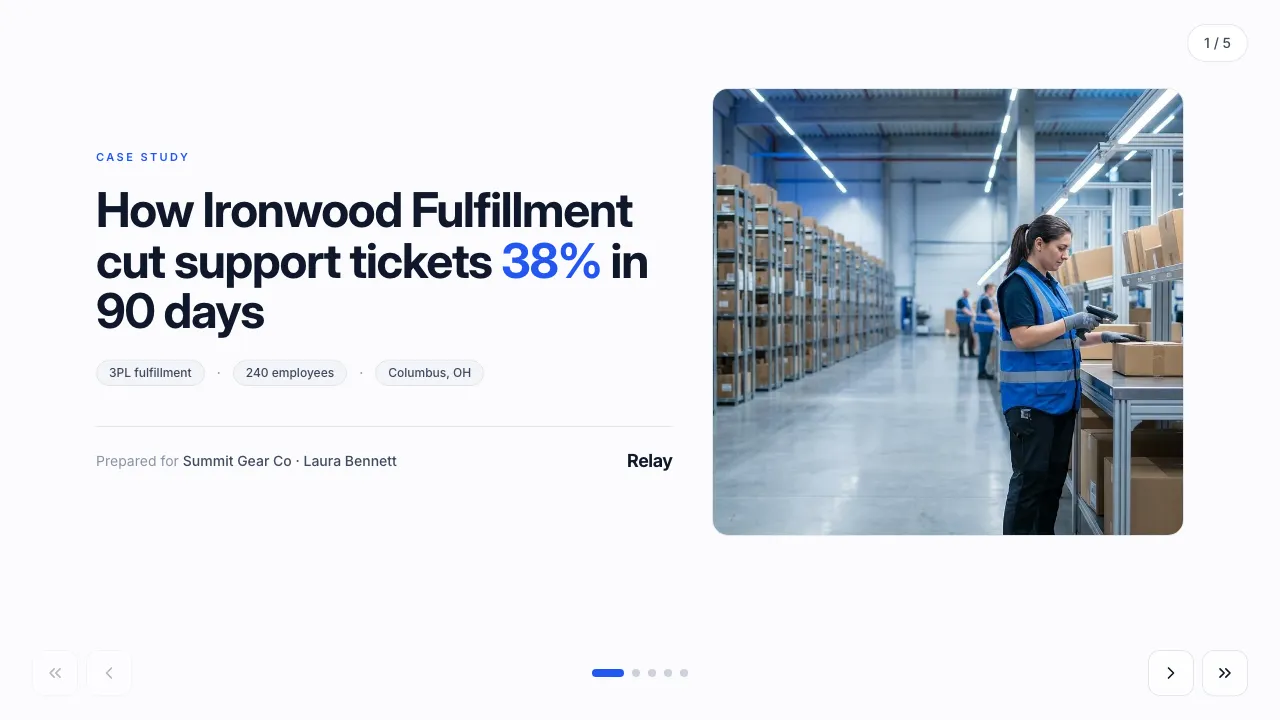
A customer-success story with a personalized projection of the client’s own numbers.
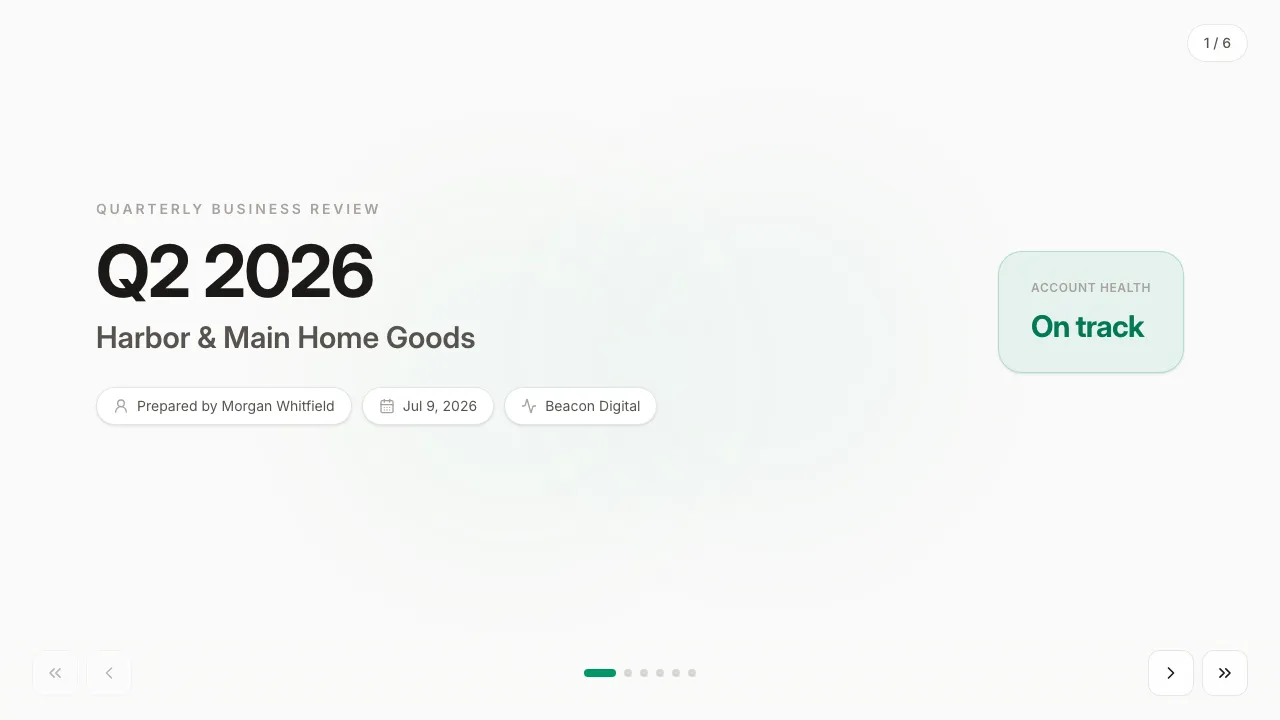
Data-forward QBR: KPI grid, trend chart, wins and risks, next-quarter plan.
Change anything in Naimi Studio or with your own agent, then fill the client’s fields. Free plan, no credit card.
4.7/5 · 500+ customers free plan · no credit card · cancel anytime