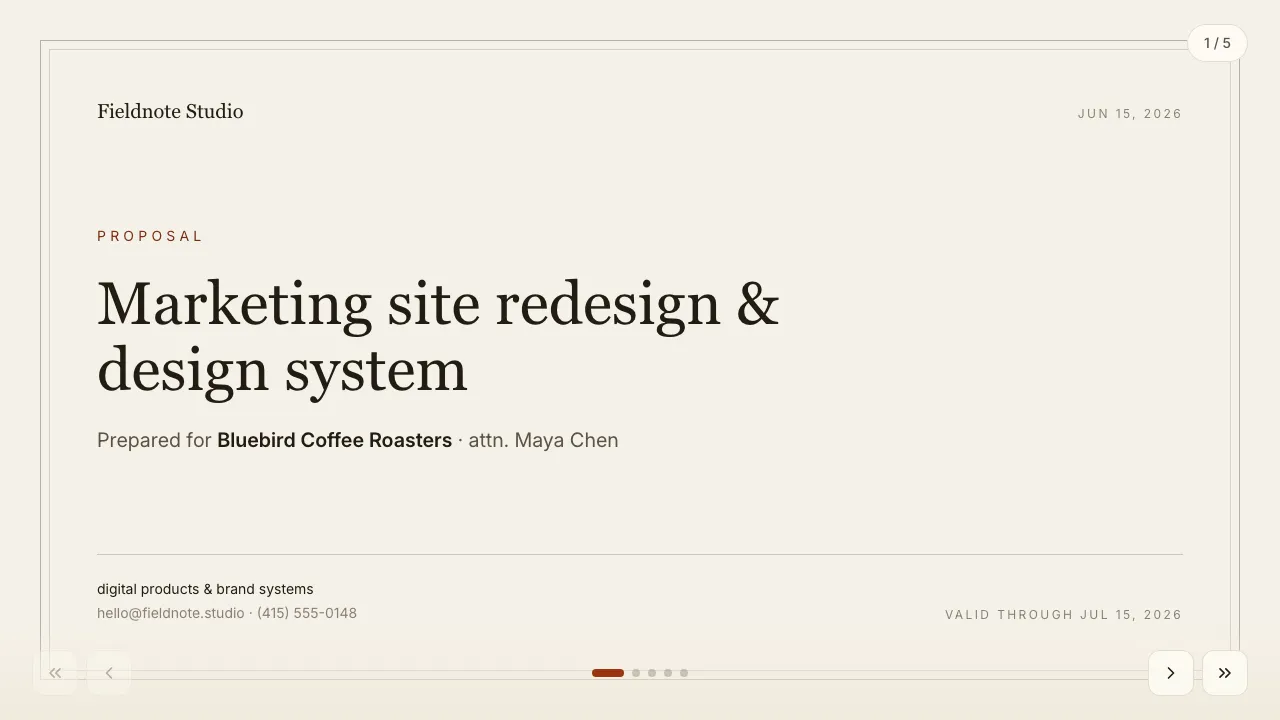
Studio proposal — paper
Styled as a printed document: process, stage-based estimate and a signature block.
A questionnaire the client actually finishes: an editorial gallery sheet where they write about the brand, choose moodboard images, tick deliverables and set a budget — no Word document to email back.
For Agencies · Creative & photography · Operations & delivery · Sales
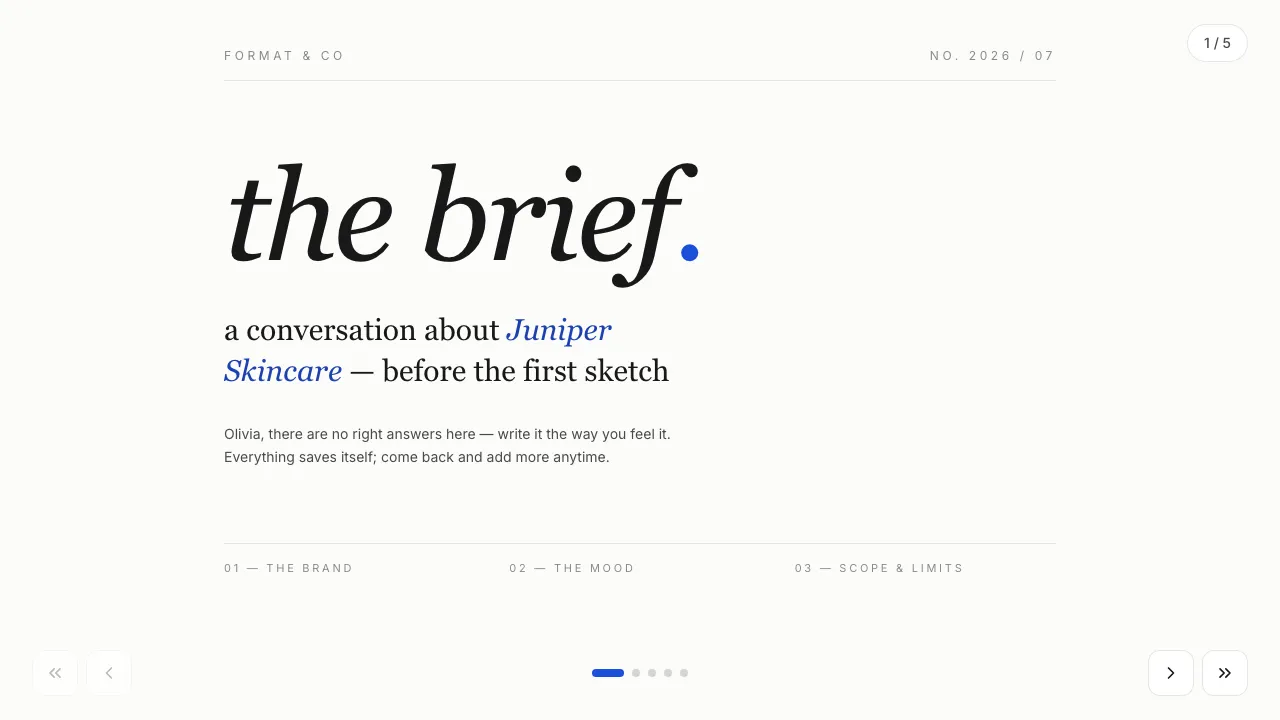
Gallery serif — near-white surface, hairline rules, oversized lowercase serif, Klein-blue accent.
Filled in seconds — by form, from a call transcript, through the API or by one sentence to your agent. Filling fields uses no AI credits.
Live elements, saved answers and view tracking belong to the web link; the PDF and PowerPoint exports carry the content.
Always included: open and view-time tracking per link, instant notifications, client memory, editing after sending — and PDF or editable PowerPoint export when a file is required.
Open it in Naimi Studio and tell the AI what to change — your company, your services, your prices — or clone the free kit and hand the folder to Claude Code, Cursor or Codex.
Fill the fields for a real client the way the example was filled for Juniper Skincare: a short form in the app, a call transcript for your agent, or one API call. No AI credits for this step.
The client opens it without a login. You see the open, the time spent and every choice they made — or export a PDF or an editable PowerPoint when a file is required.
They save as the client types: each answer is stored on the presentation and the key ones — budget, deadline, style — are promoted to the client’s card for the proposal that follows.
Yes. Questions, moodboard images and deliverables are template content; Studio or your agent edits them without touching the mechanics.
No. They open their link, fill in the brief and close the tab; you get a notification and the answers.
Styled as a printed document: process, stage-based estimate and a signature block.
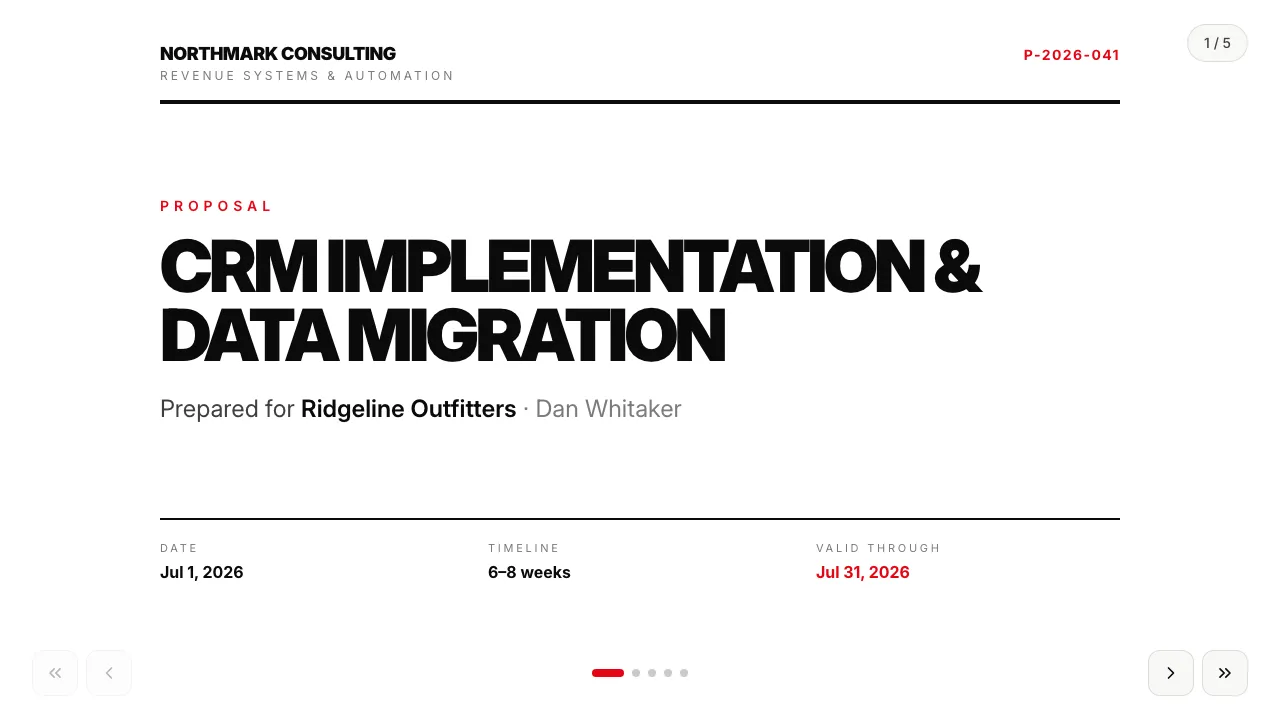
Universal service proposal in a Swiss typographic style: staged pricing and terms.
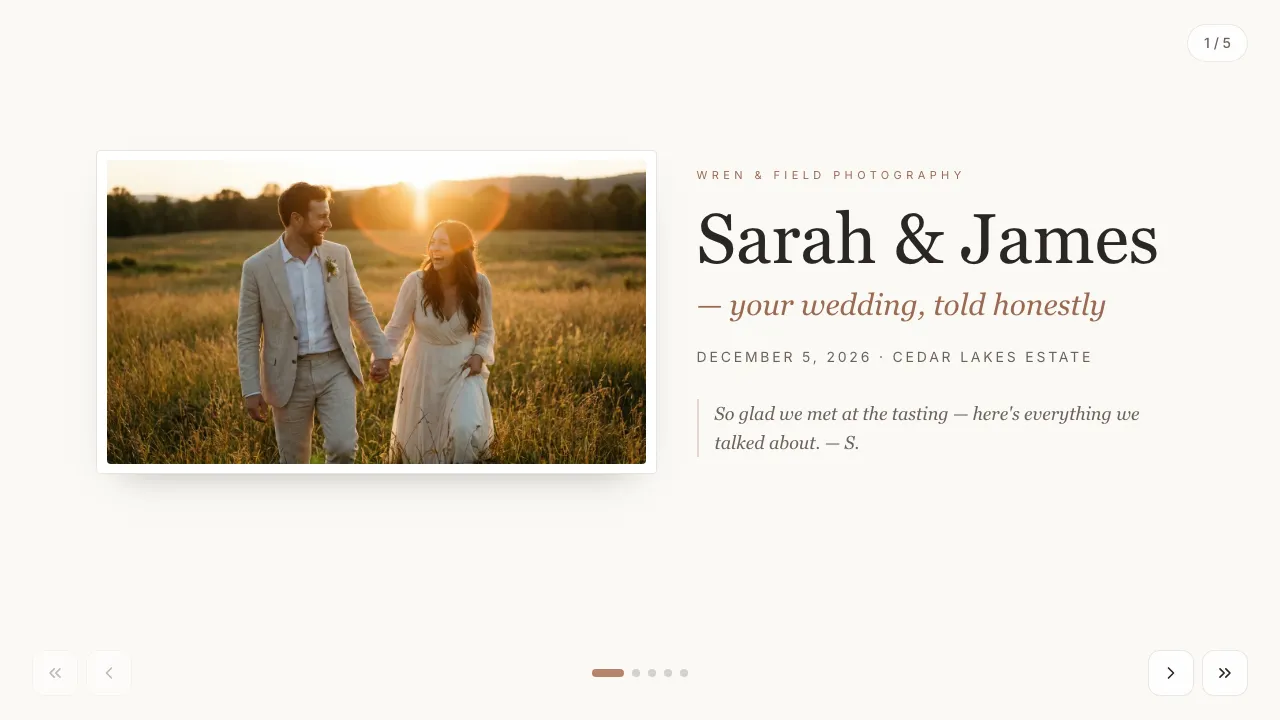
Portfolio-led proposal: the couple picks a package and add-ons, the total updates live.
Change anything in Naimi Studio or with your own agent, then fill the client’s fields. Free plan, no credit card.
4.7/5 · 500+ customers free plan · no credit card · cancel anytime