What changes, concretely.
The welcome email has six attachments nobody opens twice
One personal page with the current version of everything, always at the same link
Intake questionnaires get half-filled in Word and lost
Self-fill fields on the page — answers save to the client’s card as they type
The client asks questions the sales call already answered
CRM memory pre-fills the onboarding from the deal: plan, scope, contacts carry over
What a template like this is made of.
Personalized per client
Filled in seconds — by form or by one sentence to your agent.
Interactive elements
Live on the page; every client action is saved and reported.
Plus always: open & view-time tracking, instant notifications, client memory, editable after sending. See the elements working → · Full capability list →
Open a real one.
Ready-made templates from the open kit, shown as live presentations prepared for fictional clients. Open them in a new tab — any of them can be the base for yours.
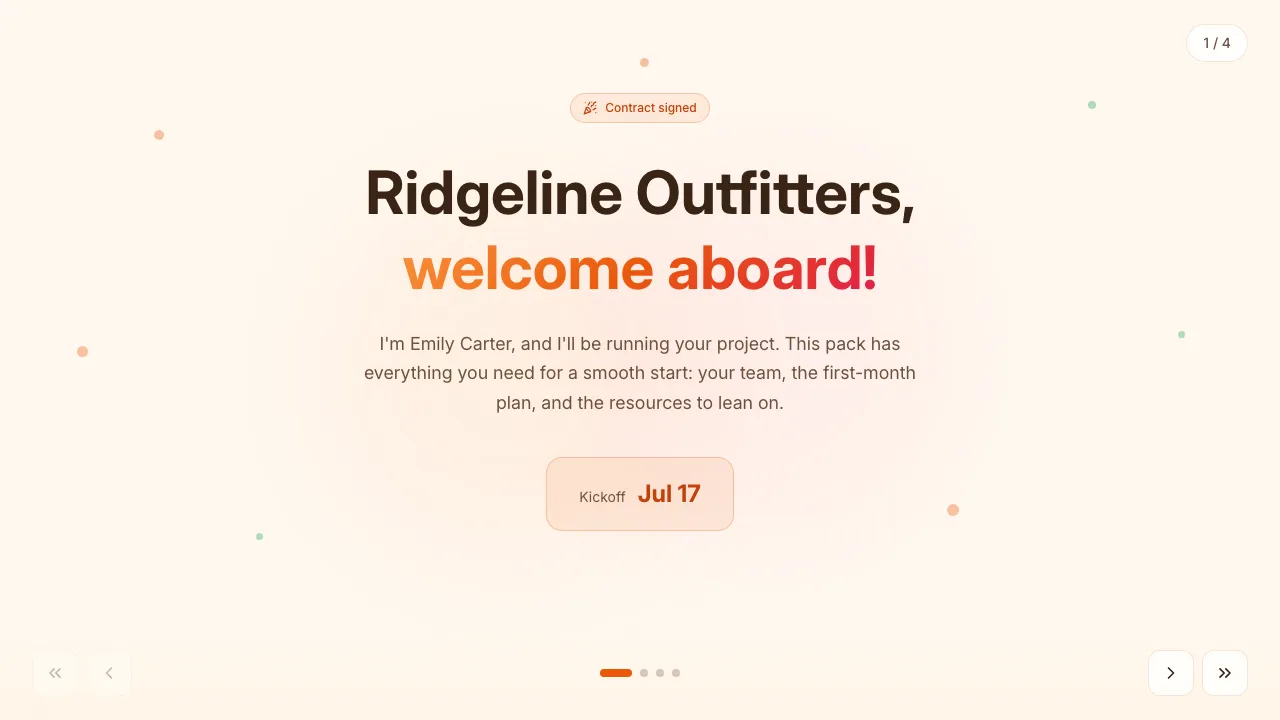 New-client welcome pack Post-signature onboarding: the team, a first-30-days plan, materials and contacts. prepared for Ridgeline Outfitters
 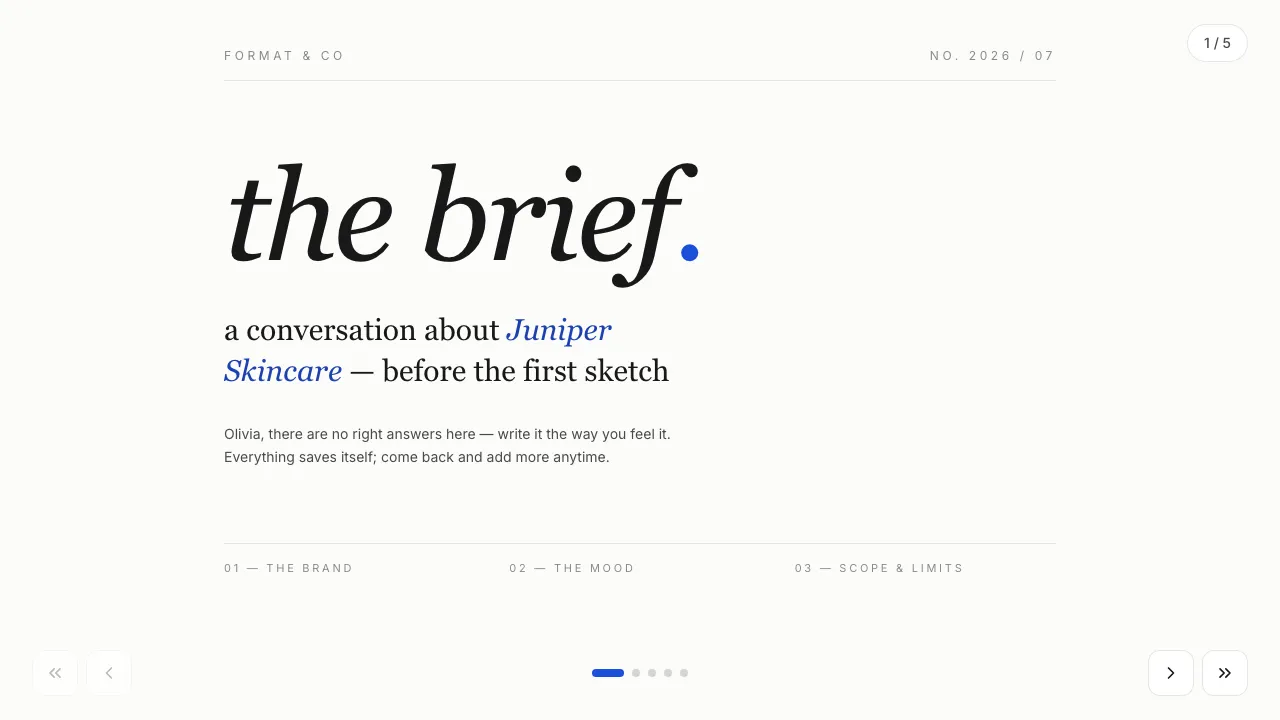 Design studio brief An intake brief the client fills in themselves: brand, moodboard, scope and budget. prepared for Juniper Skincare
 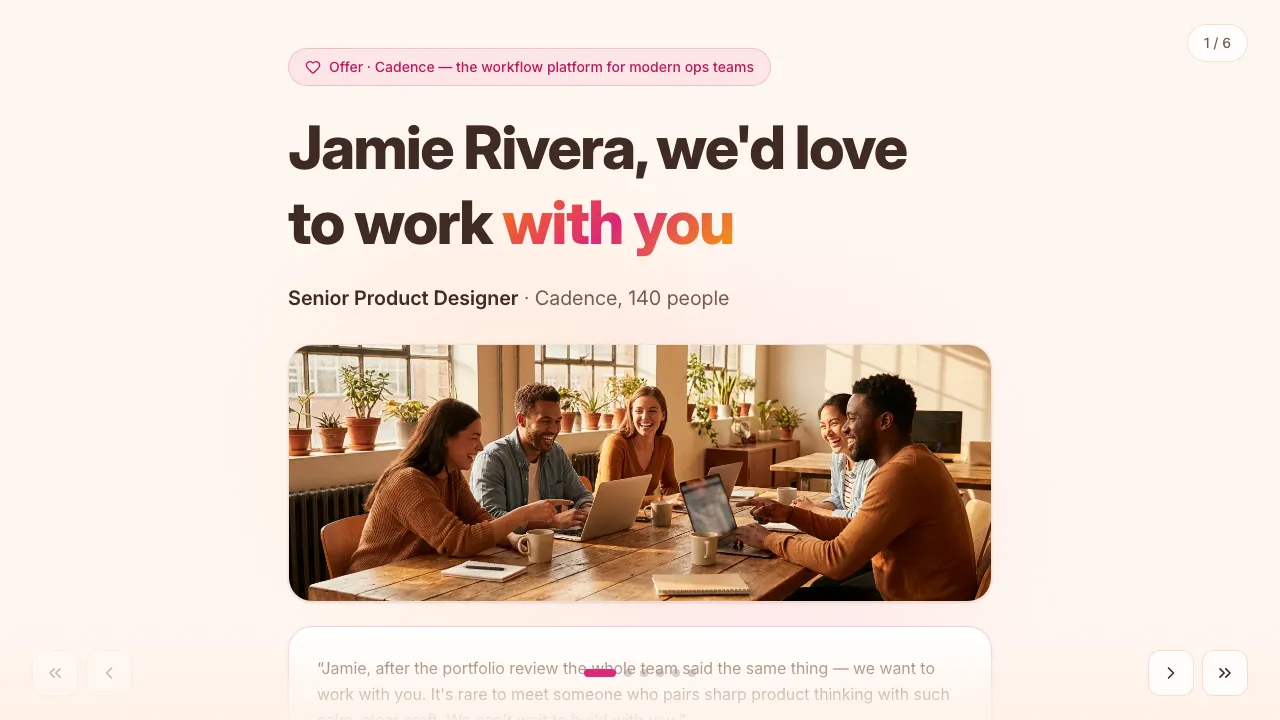 Job offer to a candidate A warm offer instead of an email: role, total comp, benefits and a 90-day plan. prepared for Jamie Rivera
 Every template is free in the open kit on GitHub ↗ — or browse all 18 live examples.
Common questions.
How does data from the sales stage get into onboarding?
Automatically: everything personalized during the deal lives on the client’s card, so the onboarding presentation starts pre-filled — plan, scope, stakeholders — even though it’s a different template.
Can the client’s answers trigger our internal process?
Self-fill answers are available via the API and notifications, so your agent or automation can create tasks, provision accounts, or alert the right teammate.
Does the page update as onboarding progresses?
Yes — update fields (or let your agent do it) and the client’s same link reflects the current stage. It becomes the living “where are we” page both sides trust.
Other use cases: Sales proposals & quotes · Sales presentations · Price lists & pricing pages · Client reports & QBRs · Event invitations & RSVPs
Ship your first one this week.
Template tonight with your agent, personalized links tomorrow. Free plan, no credit card.
free plan · no credit card · cancel anytime